

A quick disclosure before we start: I built GoPod, so I’m not neutral. But I’ve tried to be fair. Every price below comes from each company’s own pricing page, checked in November 2026, and I say where the others do things well.
I’ve been building websites and growing them through search for 20 years. I built GoPod for my own show, Architecture Topics, and for my wife’s show. I’m a podcaster myself, so I know a show is usually a labor of love. You’ve put a lot into yours, and your website should look like it.
How I compared them
I looked at every builder with the same five questions:
- Design: does the site look like your show, or like a template?
- Search: what do Google, Bing, ChatGPT and Perplexity get to read for each episode?
- Upkeep: does the site update itself, or does it become another job?
- Setup: how quickly can you go live, and can someone do it for you?
- Real cost: how much is the plan you’d actually need?
Two kinds of builders
Podcast website builders like GoPod, Podpage, PodView and Beamly start from your RSS feed. Your episodes, artwork and listening links come in on their own, and new episodes appear without you doing anything.
General website builders like Squarespace, Wix and WordPress can build almost any site, but they weren’t made for podcasts. You set up episode pages, players and listening links yourself, or with plugins, and you keep them up to date. They make the most sense when your podcast is one part of a bigger business website.
The quick comparison
| Builder | Best for | Price range | Professional design service | AI articles from your episodes |
|---|---|---|---|---|
| GoPod Our pick obviously 😉 |
A site that looks like your show and gets found |
$19 |
✓ Yes $299 one-off |
✓ Included |
| Podpage | Listener extras like voicemail and a store | $19 to $59 | No | Top plan only ($59) |
| PodView | The lowest price | Free to $29.99 | Not that we found | From $14.99 |
| Beamly | Hosting, memberships and paid content | $19 to $79 | No, links to outside freelancers | Transcripts and show notes, not articles |
| Squarespace, Wix, WordPress | A business site with a podcast section | $25 to $139 | Hire a freelancer | You write them, or add plugins |
All prices are for monthly plans, paid month to month, checked November 2026. Most builders, GoPod included, cost less if you pay yearly. The $25 to $139 range is Squarespace’s.
Will anyone find your site?
Nearly every builder here will give you an ok site with your episodes on it. Getting people to find it is harder.
Google can’t listen to your episodes, and neither can Bing, ChatGPT or Perplexity. They need something to read. An episode page with only a player and a short description gives them very little.
Not all writing helps equally. Show notes are good for listeners but thin for search. A transcript has every word, but it’s long and unstructured. What gets found and cited is an article that clearly answers a question people search for, using what you said in the episode.
You can do this on any platform if you’re happy to write the articles yourself. Several builders will draft them for you. The questions to ask are which plan includes it, and what kind of writing you actually get.
1. GoPod: best for a site that looks like your show and gets found
Best for: podcasters who want a site that feels like their show, and new listeners from search, without writing or maintaining anything.
Price: $19 a month, or $14 a month billed yearly. One plan, with 2 hours of article credits a month included.
GoPod turns your RSS feed into a full website on your own domain. We import every episode, find your listening links for 20+ apps and write the copy for your show.
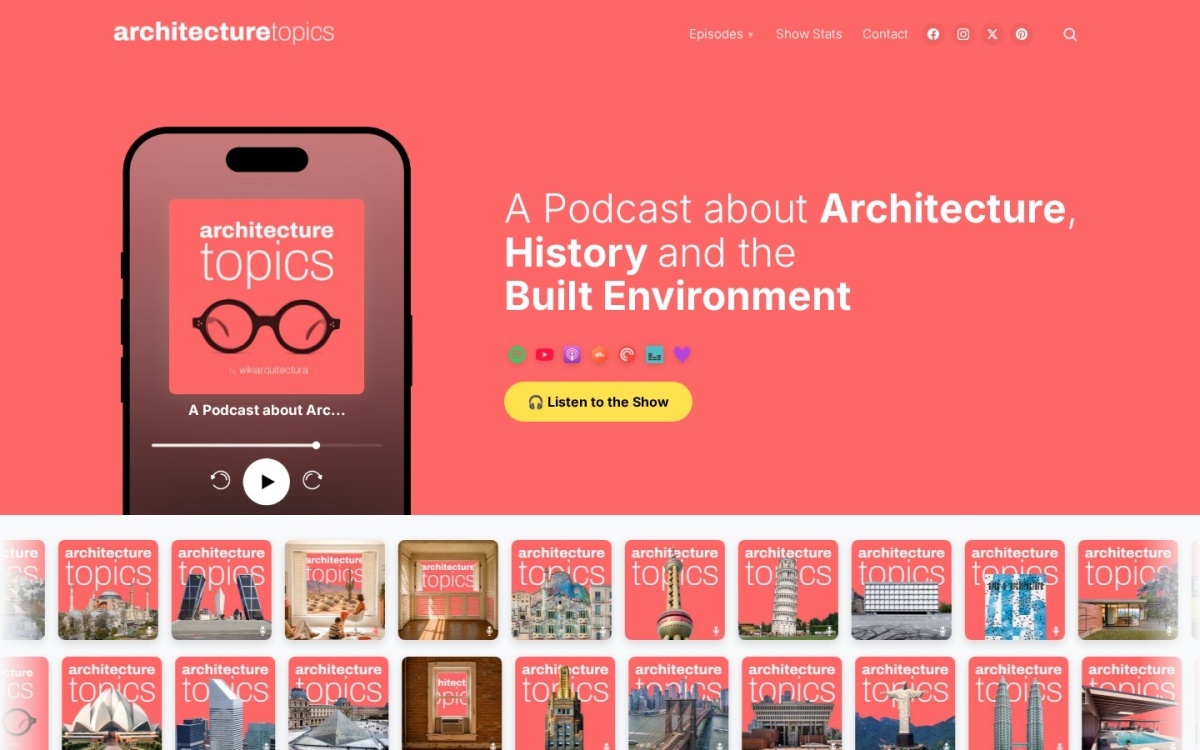
Architecture Topics, my own show, built with GoPod.
Every site is designed around its show. We put a lot of effort into getting the essence of each show onto its website. My own Architecture Topics opens in coral, with the show in a phone and a wall of episode covers below. Chaotic Aquarius uses soft pinks that match the host’s photo, and Too Light Too Dark puts a red glow around its logo on a black page. Your site is often the first thing a guest or sponsor sees, so it should feel like yours.
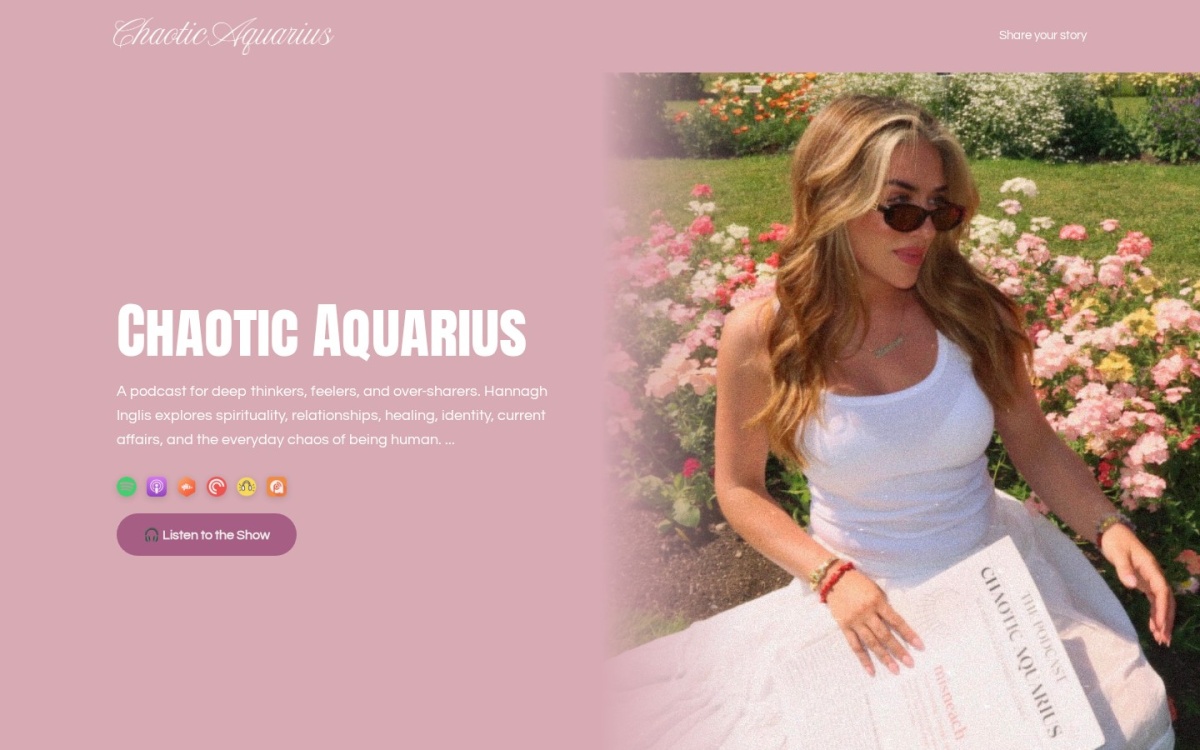
Chaotic Aquarius, built with GoPod.
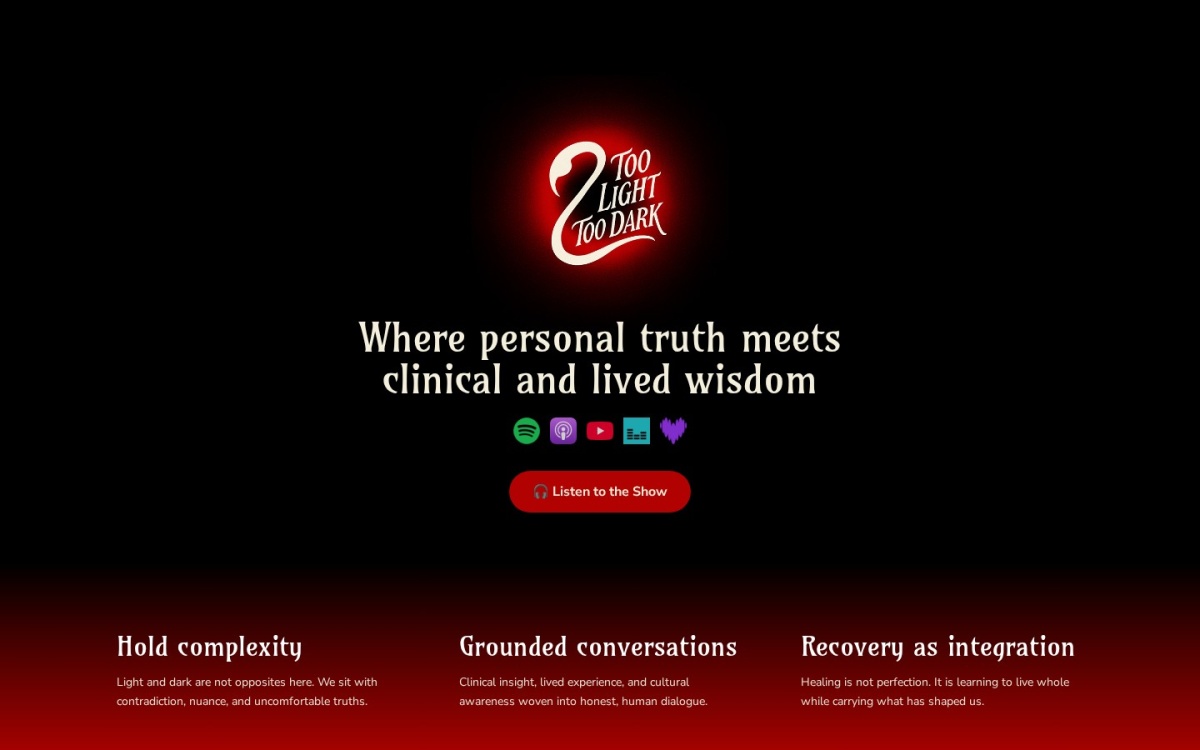
Too Light Too Dark, built with GoPod.
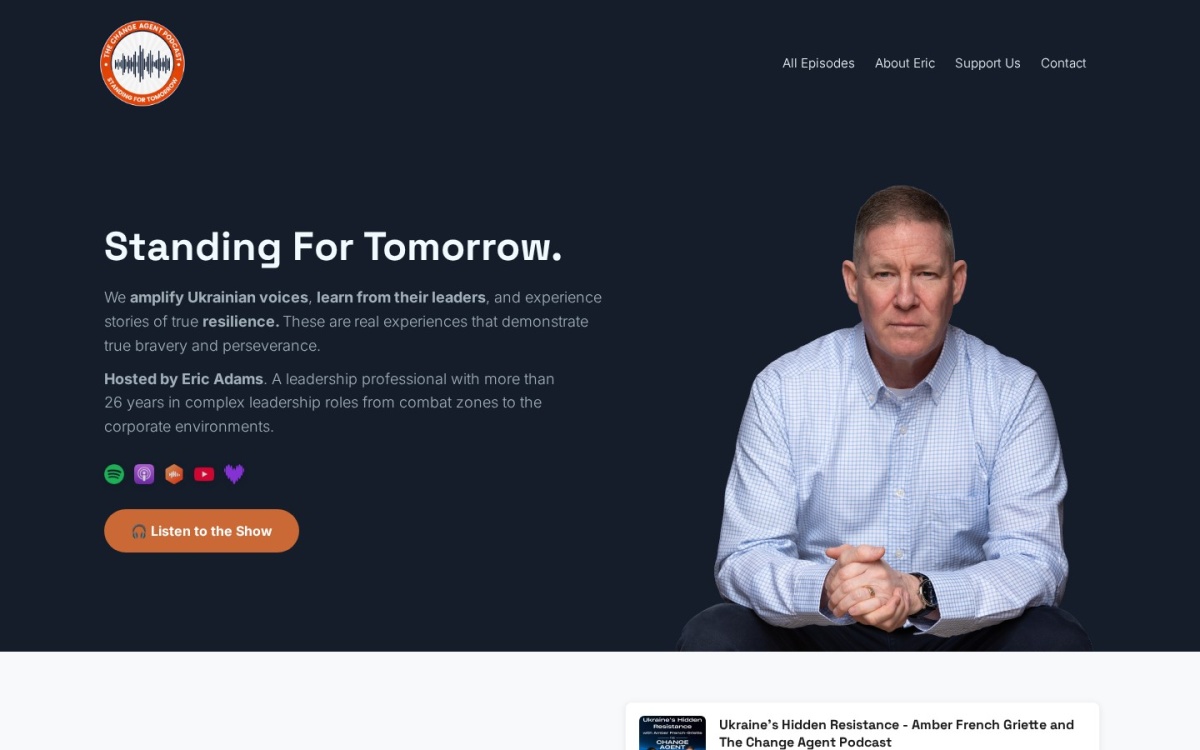
The Change Agent, built with GoPod.
Have a look at a few more: The World's Tightest Community, 2 Old 4 TikTok, The Post Up Show and Forgotten Queers.
We can build it for you. With most builders you start from a generic template or a blank canvas. With GoPod you can do it yourself, or, for a one-off $299, our team builds it for you: a professional designer, a copywriter and a developer, with more than 20 years of experience building websites and growing them through search. We use the same tools you have, so you keep full control and can change anything later. You just get a very solid start. As far as I know, none of the other podcast builders here offer this.
Search has been at the centre since day one, not an add-on. Each episode gets its own search-ready page automatically. On top of that, GoPod writes full SEO optimized articles, each built around a question people type into Google, Bing, ChatGPT and Perplexity, using what you actually said. If you’ve made 100 episodes, you’ve already answered a lot of questions out loud!
Your articles sound like you. You can pick from several writing personas, or create your own. We think the voice of your site matters as much as how it looks, so we put the same care into matching your voice as we put into the design.
You get an SEO report before you sign up. Search for your show and you get a free preview of your website, plus an SEO report: the topics you already cover that people are searching for, and how many visits your site could get. It’s based on years of data from the shows we work with and an in-depth look at your own episodes. As far as I know, no other builder here gives you that before you sign up.
There’s nothing to maintain. New episodes go live on their own from your RSS feed, with no plugins or updates. Hosting and SSL are included, and you keep your current podcast host, so nothing changes in how you publish.
You talk to the people who build it. We’re a small, hands-on team. When you write to us, you hear back from the people who build GoPod, and we’re happy to help you get the most out of your site.
Does it work? Biz&Bibs added a GoPod podcast section to its main website. Within about six weeks it went from around 2 clicks a day from Google to around 15. The full story is in our Biz&Bibs case study.
“I went looking for the lowest-friction way to put a real website behind my podcast, something that wouldn’t turn into a second job, and GoPod was exactly that. The episode pages are a really helpful feature. The SEO is also a great bonus.” Mathilde Olstad, The World’s Tightest Community
What’s included: unlimited pages, unlimited traffic, hosting and SSL, and 2 hours of article credits a month. Extra credit packs start at $19, and purchased credits never expire.
Watch out for: GoPod isn’t a podcast host, and it doesn’t offer memberships or a store. There’s no free plan, but you can preview your site for free, and we offer a 30-day money-back guarantee, no questions asked.
2. Podpage: best for listener extras
Best for: shows that want lots of listener features in one place, and want a platform with a long track record.
Price: $19 Basic, $29 Pro, $59 Elite a month, or $12, $19 and $39 a month billed yearly. 14-day free trial.
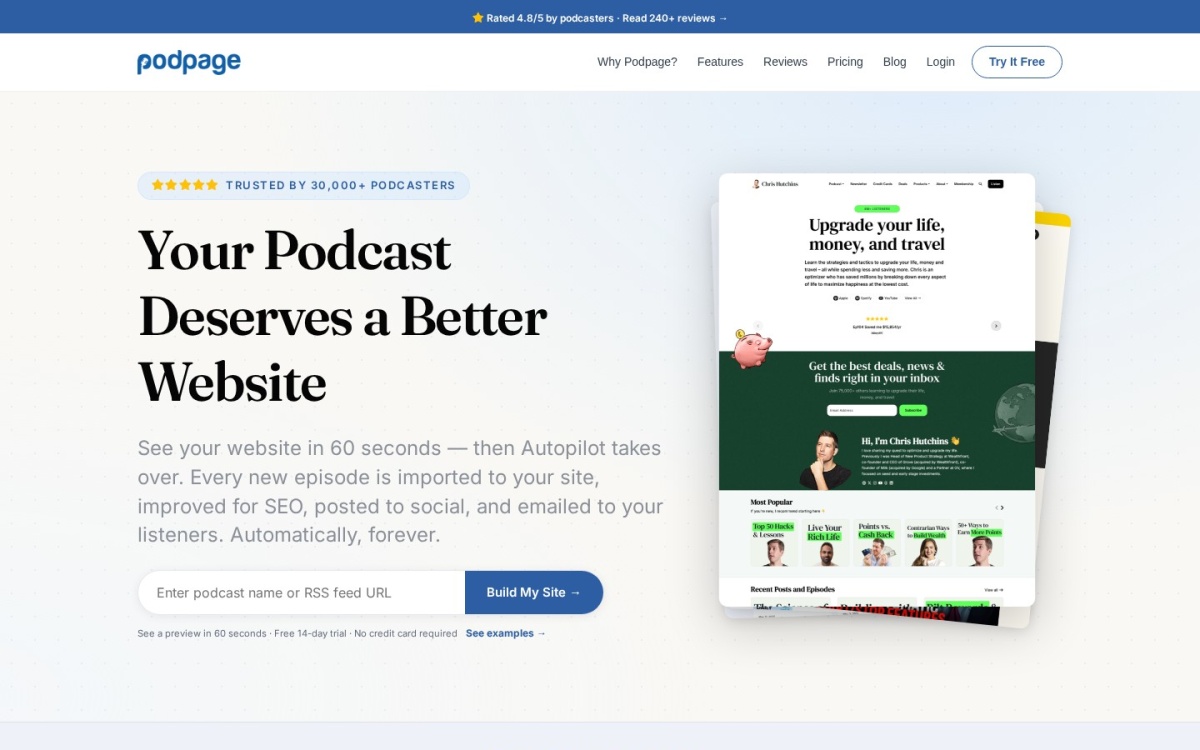
Podpage’s homepage.
Podpage has been around since 2019 and powers the sites of well-established shows, including My First Million and Lenny’s Podcast. If you want a platform that many established shows already trust, it’s a safe pick.
What stands out: it has the widest set of listener features here: voicemail, comments, sponsors, memberships and a store, depending on your plan. Its site shows a 4.8/5 rating from 240+ reviews. New users can join a live group onboarding session, and the top plan adds weekly podcast coaching with Dave Jackson.
Watch out for: the Basic plan is a basic site. Most extras, the blog and transcripts start on the Pro plan, and AI blog posts from your episodes and advanced SEO analysis need the Elite plan. You start from one of its templates and design it yourself.
3. PodView: best for the lowest price
Best for: shows on a tight budget, or anyone who wants to start free.
Price: free on a podview.com address. Paid plans are $9.99 with your own domain, $14.99 for the AI tools and $29.99 for the top plan, or $5.99, $9.99 and $19.99 a month billed yearly.
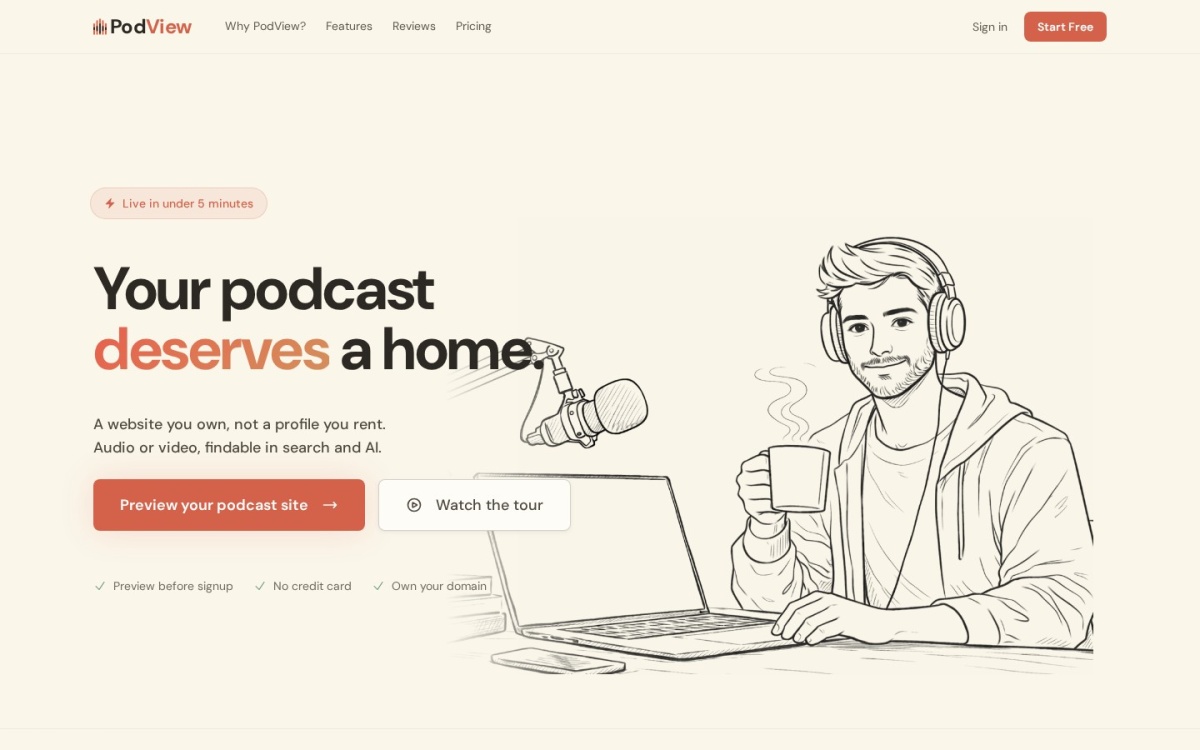
PodView’s homepage.
PodView is the newest platform here, launched in February 2026 by one of the co-founders of the podcast host Spreaker.
What stands out: it has clearly thought about AI search. From its first paid plan it adds pages made for AI assistants to read and cite. The Creator plan adds an AI blog post generator, AI transcripts for 8 episodes a month, email list building and voicemail. It also supports video, and you can preview your site before signing up.
Watch out for: transcripts are capped at 8 episodes a month on the Creator plan (25 on Producer), and removing PodView branding needs the top Producer plan. You start from one of its themes and design it yourself.
4. Beamly: best for hosting and paid content
Best for: creators who want to host, publish and earn from their audience on one platform.
Price: $19 Starter, $39 Creator, $79 Business a month, or $18, $30 and $64 a month billed yearly. 14-day free trial.
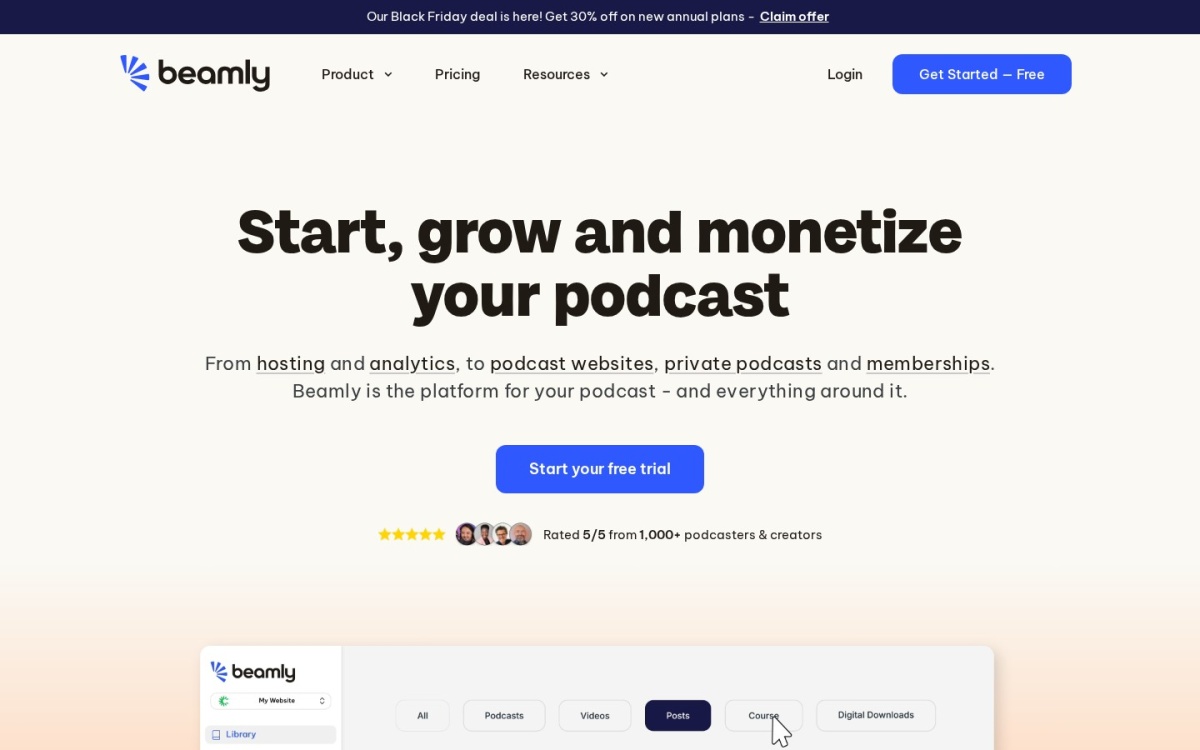
Beamly’s homepage.
Beamly started in 2019 as Podcastpage and became Beamly in 2025, when it grew into a wider creator platform.
What stands out: it can host your show or sync your existing feed, and it handles video too. Every plan includes a website, blogging, and AI transcripts and show notes. If you sell memberships, courses or digital products, the Creator plan has 0% platform fees (card fees still apply), and its support team is all human.
Watch out for: it may be more than you need if you just want a great website, and its AI writing is transcripts and show notes rather than full articles. For a custom design, it points you to a directory of outside freelancers you hire and pay separately.
5. Squarespace, Wix and WordPress: general website builders
Best for: shows that are one part of a bigger business website.
Price: Squarespace runs from $25 to $139 a month on monthly billing ($19 to $99 billed yearly). WordPress itself is free, but you pay for hosting, a theme and often plugins, and the costs add up.
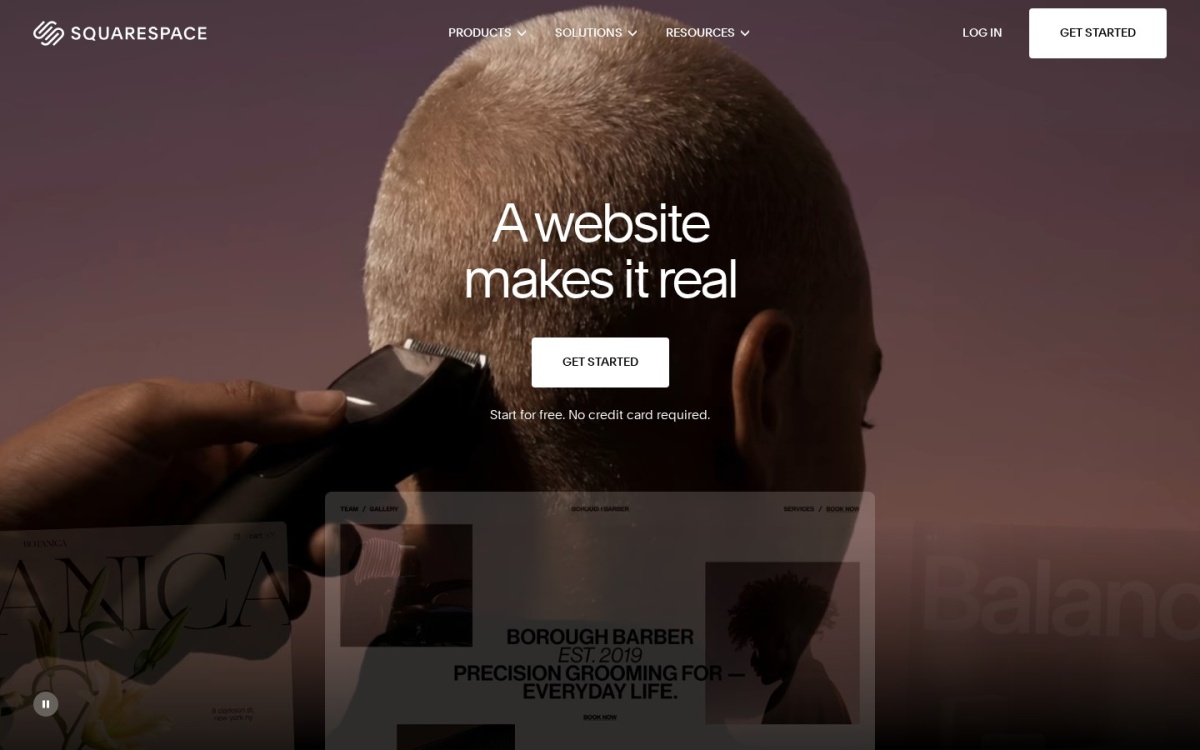
Squarespace’s homepage.
What stands out: lots of design freedom, and WordPress can do almost anything.
Watch out for: none of them was built for podcasts. You’ll set up episode pages, players and listening links yourself or with plugins, and you’ll need to keep them working. On WordPress you also own updates, security and backups. If you already have a business site you love, you don’t have to choose: Biz&Bibs kept its main site and added a GoPod podcast section alongside it.
“My host already gives me a free website”
I hear this quite often, and it’s a fine place to play episodes. If you’re just starting out, it may be all you need for now.
But it’s really a profile page, not a website. It sits on your host’s domain, so every visit and every link builds search reputation for the host, not for you. You’re handing your content to that platform, and it’s building its own name with it. It also looks the same as every other show on that host. When your site is on your own domain, everything you publish builds up over time in your name.
I wrote more about this in Podcast Website vs Profile Page: What’s the Difference?
Which one fits your show?
- You want a site that looks like your show and brings new listeners from search: GoPod.
- You want lots of listener extras and an established platform: Podpage.
- You want the lowest price, or to start free: PodView.
- You want hosting, memberships and paid content together: Beamly.
- Your show is part of a bigger business site: Squarespace, Wix or WordPress, or add a GoPod section to the site you have.
- You’re just starting out: your host’s free page is fine for now.
Questions podcasters ask
What is the best podcast website builder for SEO?
It depends on whether you want to write. GoPod creates a page for every episode, writes question-led articles from your episodes on its one plan, and shows you an SEO report before you sign up. PodView’s AI blog generator starts on its $14.99 Creator plan, and Podpage’s AI blog posts come with its $59 Elite plan (monthly prices). If you’re happy writing, any builder with a blog can work.
Can someone build my podcast website for me?
GoPod offers a one-off $299 build: a designer, copywriter and developer create your site around your show, using the same tools you’ll have afterwards. With the other builders, you set it up yourself or hire a freelancer.
What is the best free podcast website builder?
PodView has a free plan on a podview.com address. Your host’s free page is the other option. GoPod has no free plan, but you can preview your site for free and there’s a 30-day money-back guarantee.
What is the best alternative to Podpage?
It depends why you’re looking. PodView costs less, GoPod includes articles from your episodes on its one plan and can build the site for you, and Beamly adds hosting and memberships.
GoPod vs Podpage: what’s the difference?
Podpage gives you more listener features, like voicemail, comments and a store, and has a long track record. GoPod focuses on design and search: every site is designed around its show, we can build it for you, and full articles from your episodes are included in our one plan.
GoPod vs PodView: what’s the difference?
PodView is cheaper and has a free plan. GoPod costs a bit more, but designs each site around its show, writes full articles in your voice around the questions your listeners search for, and can build the site for you.
Do I need a website if I’m already on Spotify and Apple Podcasts?
If you want more people to discover your show, the answer is yes. Spotify and Apple are where people listen, but nobody outside those apps will find your episodes there. A website fixes that.
Can I keep my current podcast host?
Yes. GoPod works from your RSS feed and sits on top of your host, so nothing changes in how you publish.
Will a website get my show mentioned in ChatGPT?
Nobody can promise that. But one thing is for sure: ChatGPT, just like Google, Bing, Claude, Perplexity, Grok, and others can only use what they can read, so written articles give you a better chance.
See what yours could look like
You’ve already done the hard part by making the episodes. Preview your website for free and you’ll see your site, plus the searches your show could show up for.
Sources, checked November 26, 2026: Podpage pricing, PodView pricing, Beamly pricing, Squarespace pricing guide.